Everything You Need to Know Before Using Framer
A practical introduction to building beautiful, high-performing websites with Framer.

Emayne Design
Framer Partner
July 7, 2026
7 min

Thinking about building your next website with Framer? Before you dive in, there are a few things every designer, developer, and business owner should know.
Framer has become one of the fastest-growing website platforms in recent years. What started as a prototyping tool has evolved into a professional website builder capable of creating production-ready websites with powerful animations, CMS, localization, forms, SEO features, and publishing—all without the complexity of traditional development.
But Framer isn't the right tool for every project. Understanding where Framer excels—and where it doesn't—will save you countless hours and help you build better websites from day one. Whether you're a freelancer, agency, startup founder, or designer looking to move beyond static mockups, this guide covers everything you should know before using Framer.
Why So Many Professionals Are Switching to Framer
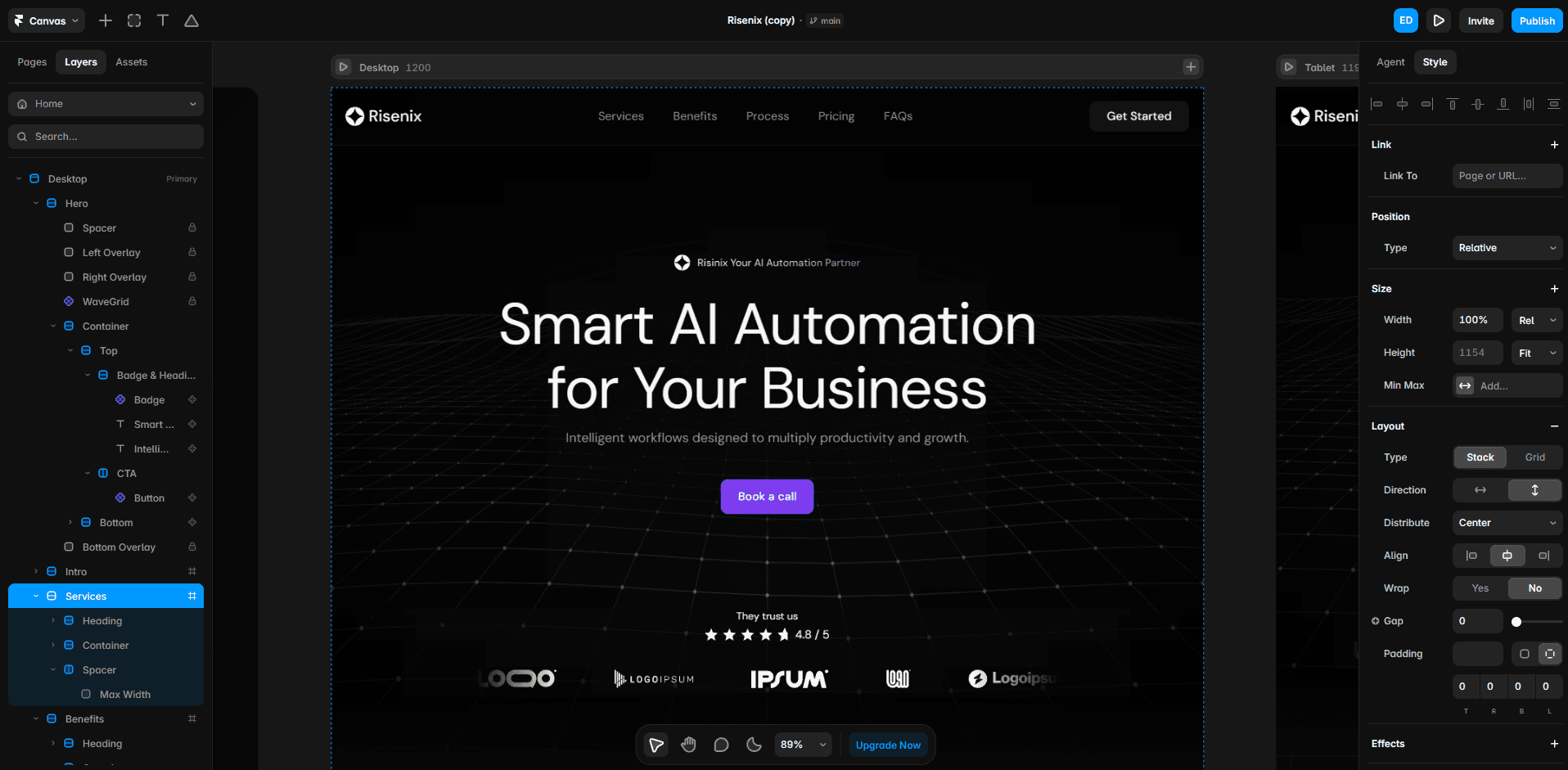
Traditional web design often looks like this:
Design → Developer → QA → Revisions → Launch
Every small change requires another development cycle. Framer removes much of this friction by combining design, development, and publishing into a single visual workflow. Instead of handing designs to developers for implementation, designers can create responsive, interactive websites that are ready to publish. This dramatically reduces the time between an idea and a live website. For startups, agencies, and freelancers, that speed often becomes a competitive advantage.
Understanding the Framer Learning Curve
Many people assume Framer is a completely no-code tool, and while that's true to an extent, there's more to it. You don't need to write code to build professional websites, but understanding concepts like responsive design, layout hierarchy, components, Auto Layout (Stacks), breakpoints, typography, and spacing systems will significantly improve your results. The software itself is relatively easy to learn, but mastering design principles takes time and practice.
Build Once, Reuse Everywhere: The Power of Components
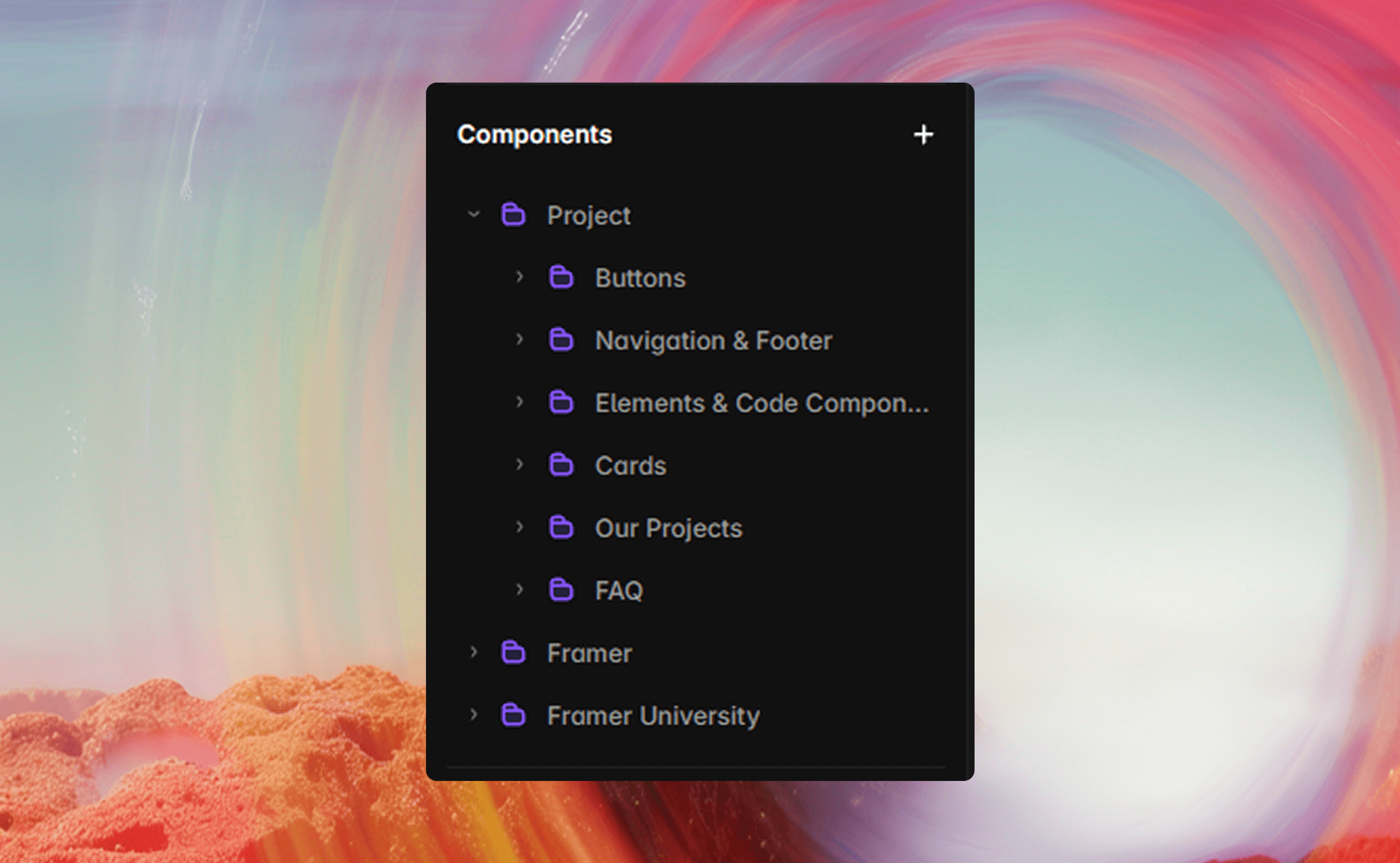
Beginners often duplicate the same sections throughout a website, while experienced Framer developers build reusable components from the start. Instead of creating twelve identical pricing cards, for example, they create a single component and reuse it wherever needed. If the button style needs to change later, they update it once, and every instance is updated automatically. The same approach works for navigation menus, testimonials, FAQ sections, feature cards, team members, pricing tables, and footers. As your website grows, a well-structured component system makes it far easier to maintain,
update, and scale.
Your Design System Matters More Than Fancy Animations
One of the biggest misconceptions about Framer is that great websites succeed because of their animations. In reality, the strongest websites are built on solid design fundamentals such as consistent spacing, clear typography hierarchy, cohesive color systems, grid alignment, predictable layouts, and strong visual rhythm. Animations simply enhance an already well-designed experience—they don't compensate for a weak one. If your visual foundation isn't solid, adding more motion often makes the experience feel more distracting rather than more engaging. A polished design system will almost always have a greater impact than excessive visual effects.
Responsive Design Starts on Desktop—But Doesn't End There
A website that looks amazing on desktop can completely fall apart on mobile if responsiveness isn't considered early. Experienced Framer designers don't treat mobile optimization as the final step. Instead, they think about flexibility from the beginning.
Some practical habits include:
Avoid fixed heights where possible.
Let content determine section height.
Use Stacks instead of manually positioning elements.
Test tablet layouts—not just desktop and mobile.
Leave enough spacing for touch interactions.
Building with flexibility from the start saves hours of rework later.
CMS Is More Powerful Than Most Beginners Expect
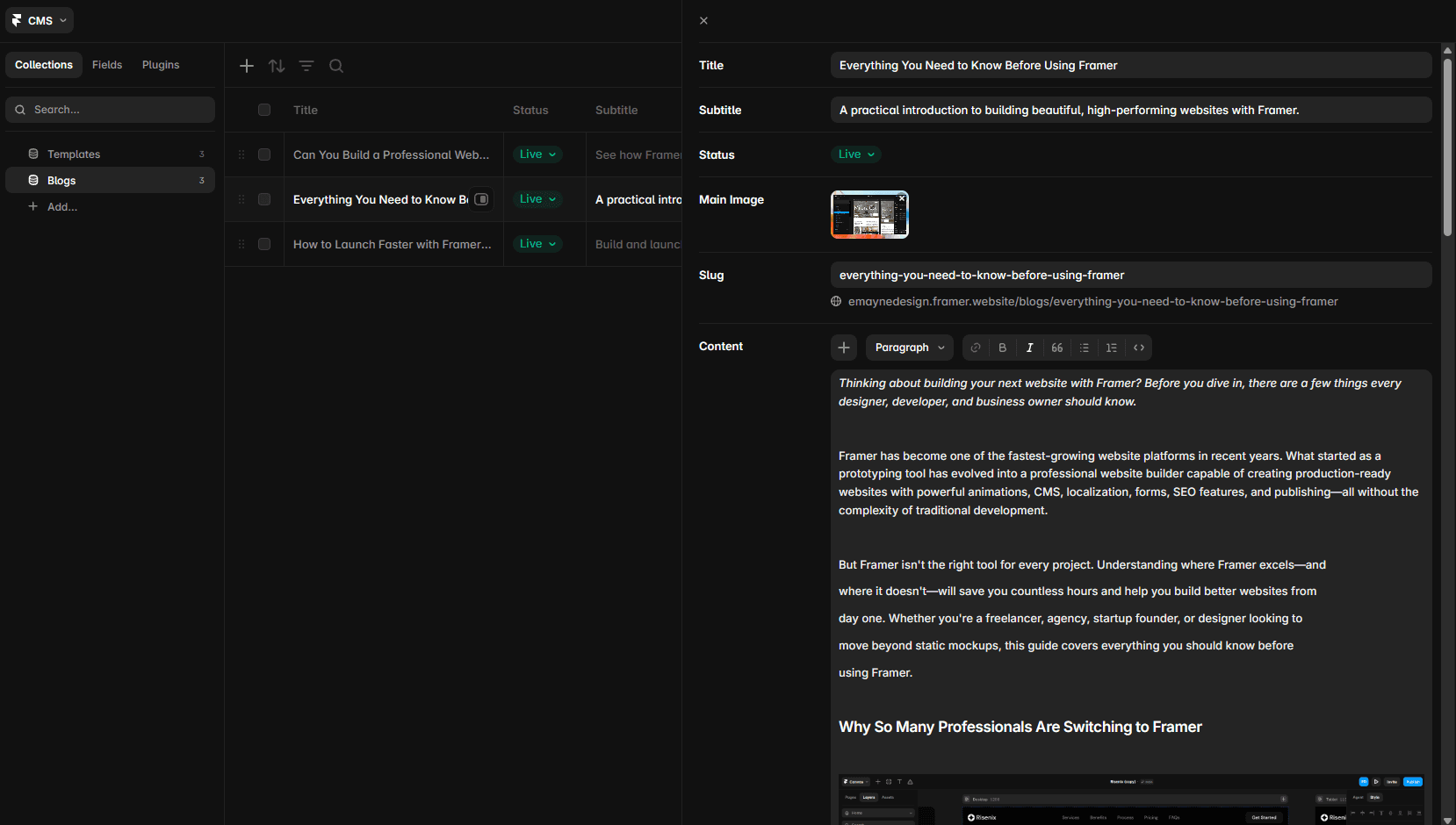
Many users think Framer's CMS is only for blogs, but it can power much more. You can use it to manage blog posts, portfolio projects, testimonials, team members, services, careers, resources, FAQs, case studies, and other dynamic content from a single place. Instead of manually editing multiple pages whenever something changes, you update the content once and every connected page reflects those changes automatically. This becomes especially valuable for businesses that publish regularly or manage growing content libraries, making websites much easier to maintain and scale.
SEO in Framer: Good by Default, Great with Strategy
One of the most common questions is: "Is Framer good for SEO?" Yes—but only if you use it correctly. Framer provides a strong technical foundation with features such as clean HTML output, optimized performance, image optimization, meta titles, meta descriptions, canonical URLs, XML sitemaps, and Open Graph support. However, technical SEO alone isn't enough to achieve strong rankings. Successful websites also focus on clear information architecture, logical page structure, optimized headings, internal linking, valuable content, and a smooth user experience. A well-designed website with useful pages and clear messaging will usually perform better in search results than a website that focuses only on visual effects and animations.
Performance Depends on Your Decisions
Framer itself is fast. Poor design decisions aren't. Large uncompressed images, unnecessary videos, excessive effects, and dozens of animations can slow any website.
To keep performance high:
Compress images before uploading.
Limit autoplay videos.
Use animations with purpose.
Keep interactions lightweight.
Remove unused assets.
Test performance regularly.
A fast website improves both user experience and search rankings.
Common Mistakes New Framer Users Make
Even talented designers can slow themselves down by developing habits that don't scale. One of the most common mistakes is building without components, which makes repeated layouts difficult to manage and update over time. Another issue is overusing animations—motion should guide attention and improve the experience, not compete with the content. Ignoring typography is also a common problem, as strong typography often communicates professionalism more effectively than expensive graphics. Poor content structure can make websites harder to understand, especially since visitors usually scan before they read. Organizing content into logical sections with clear headings and concise paragraphs improves usability. Ultimately, choosing style over clarity can hurt a website's effectiveness. A visually impressive website that confuses visitors won't convert, so design should always support clear communication.
Is Framer Worth Learning in 2026?
If your work revolves around marketing websites, startups, creative businesses, or modern landing pages, Framer is one of the most valuable skills you can learn today. It enables designers to ship production-ready websites faster than traditional workflows while maintaining a high standard of design quality. Rather than replacing developers, Framer allows designers to own more of the website creation process—making collaboration smoother and launches significantly faster. The key is understanding that Framer is not just a design tool. It's a publishing platform, a CMS, an animation engine, and a modern website builder combined into one. Master those fundamentals, and you'll spend less time wrestling with tools—and more time creating websites that look exceptional and perform even better.
Ready to Build Better with Framer?
At Emayne Design, we create premium Framer templates built with the same principles covered in this guide: scalable components, responsive layouts, strong typography, thoughtful interactions, and conversion-focused structure.
Whether you're launching a startup, refreshing an agency website, or building your next portfolio, starting with a well-crafted template can save days of work while giving you a professional foundation that's easy to customize.
Explore our collection and build faster—with confidence.